



This site can only be accessed on Desktop.

$4.99

Our community compiled game-specific value library for RMX ensures you stay on top of the leaderboard no matter what experience you're playing.
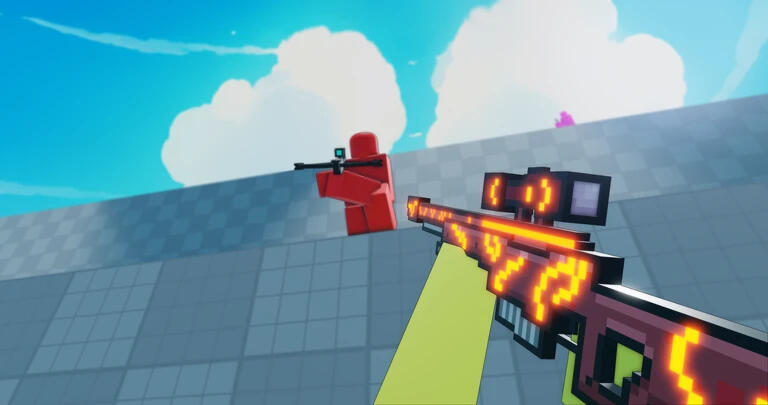






GAME: FLICK - PLAY
WalkSpeed Value: 20
Change to Desired Value
[Recommended Value: >30]Gravity Value: 150
Change to Desired Value
[Recommended Value: 80>]
GAME: WESTBOUND - PLAY
Flight Value: 1.350000023841858
Change to Desired Value
Bonus- Change this value while riding a horse to appear as a 'Ghost Rider'
GAME: SWORD BURST 3 - PLAY
Flight Value: 2.422653913497925
Change to Desired ValueWalkSpeed Value: 18
Change to Desired Value
GAME: SWORD BURST 2 - PLAY
Flight Value: 2
Change to Desired ValueWalkSpeed Value: 20
Change to Desired Value
GAME: APOCALYPSE RISING 2 - PLAY
Flight Value: 1.350000023841858
Change to Desired ValueGravity Value: 120
Change to Desired ValueJumpPower Value: 32
Change to Desired Value
GAME: APOCALYPSE RISING - PLAY
Makarov to Fedorov Arrays:
4D 61 6B 61 72 6F 76
46 65 64 6F 72 6F 76Uzi to FAL Arrays:
55 7A 69
46 41 4CUzi to M14 Arrays:
55 7A 69
4D 31 34CZ75 to PPSH Arrays:
43 5A 37 35
50 50 53 48M1911 to AK-12 Arrays:
4D 31 39 31 31
41 4B 2D 31 32
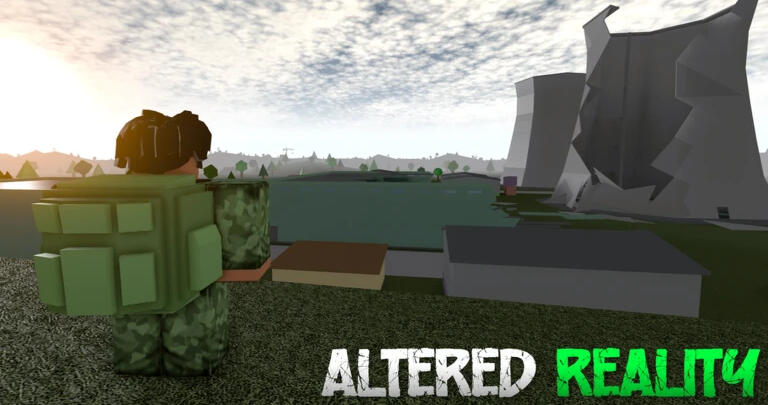
GAME: ALTERED REALITY - PLAY
Makarov to Fedorov Arrays:
4D 61 6B 61 72 6F 76
46 65 64 6F 72 6F 76Uzi to FAL Arrays:
55 7A 69
46 41 4CUzi to M14 Arrays:
55 7A 69
4D 31 34CZ75 to PPSH Arrays:
43 5A 37 35
50 50 53 48M1911 to AK-12 Arrays:
4D 31 39 31 31
41 4B 2D 31 32
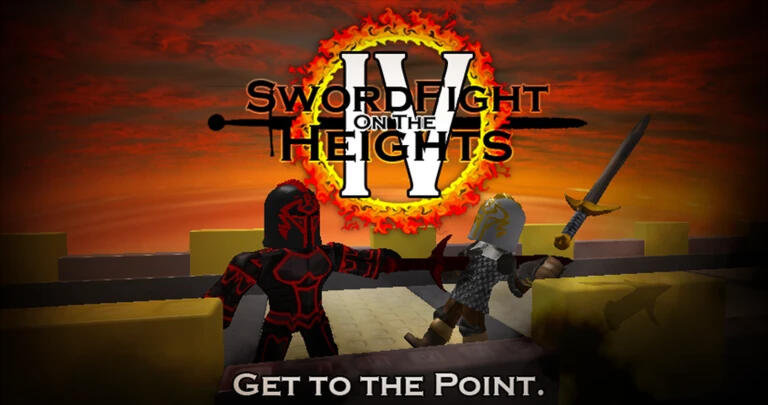
GAME: SWORD FIGHTS ON THE HEIGHTS - PLAY
Sword Reach Value: 4
Change to Desired Value

RMX is a fully external, self-updating Roblox utility designed for long-term reliability and performance. Featuring a wide range of universal functions compatible with the vast majority of Roblox experiences, RMX delivers consistent functionality backed by 24/7 uptime, advanced tools, and an extensive library of game-specific values. Built with stability and continuous development in mind, RMX aims to provide a dependable experience for its users whilst offering unique features you won't find anywhere else.

RMX is a fully external, self-updating Roblox utility designed for long-term reliability and performance. Featuring a wide range of universal functions compatible with the vast majority of Roblox experiences, RMX delivers consistent functionality backed by 24/7 uptime, advanced tools, and an extensive library of game-specific values. Built with stability and continuous development in mind, RMX aims to provide a dependable experience for its users whilst offering unique features you won't find anywhere else.
Q: HOW DO I TOGGLE RMX ADVANCED FEATURES?
A: PRESS INSERT KEY ON YOUR KEYBOARD WHILE RMX IS OPEN.Q: WHAT VALUES CAN RMX ACCESS/CONFIGURE IN AN EXPERIENCE?
A: LOCAL AND CLIENT-SIDE VALUES INCLUDING, & NOT LIMITED TO:Q: MY RMX INTERFACE ISNT SCALING OR DISPLAYING PROPERLY
A: CHANGE YOUR SCALE AND LAYOUT TO 125% IN WINDOWS DISPLAY SETTINGS</>THE BIGGER QUESTION IS NOT “CAN THE PROPERTY BE MODIFIED?”
• Character / Humanoid
• WalkSpeed
• JumpPower
• JumpHeight
• Health
• MaxHealth
• HipHeight
• AutoRotate
• PlatformStand
• Sit
• BasePart Properties
• Size
• Position
• CFrame
• Velocity
• AssemblyLinearVelocity
• AssemblyAngularVelocity
• CanCollide
• Anchored
• Transparency
• Reflectance
• Massless
• Workspace Properties
• Gravity
• FallenPartsDestroyHeight
• Various terrain-related values
• Camera Properties
• FieldOfView
• CameraSubject
• CameraType
• Camera position/orientation
• Lighting Properties
• Brightness
• ClockTime
• ExposureCompensation
• FogStart
• FogEnd
• FogColor
• Ambient
• OutdoorAmbient
• Sound Properties
• Volume
• PlaybackSpeed
• TimePosition
• Particle / Visual Effects
• Rate
• Speed
• Lifetime
• Size
• Transparency
• GUI Properties
• Position
• Size
• Visible
• TextSize
• BackgroundTransparency
• Tool / Weapon-Related Properties
• Handle Size
• Handle Transparency
• Handle Position
• Hitbox part sizes
• Projectile speeds (if client-controlled)
• Animation speeds
BUT “DOES MODIFYING IT MATTER?”So a practical rule is:If the client can see a property, there's a decent chance its local copy can be altered.
Whether that produces a real in-game effect depends on what the server trusts and validates.
This can vary from experience to experience.Q: IS RMX UNDETECTED AND SAFE TO USE?
A: RMX IS ENTIRELY UNDETECTED AND SAFE TO USE ON YOUR MAIN WITH NO RISK OF BAN.Unlike large commercial executors like Potassium, Volt, Xeno etc.. RMX was built with stealth
memory editing as its foundation and we can confidently say RMX will never be detected by Roblox.